How to Run a Live Stream That Looks Broadcast‑Quality
Live streaming has become essential for businesses, councils, educational institutions, and brands wanting to reach wider audiences instantly. But while it’s easy to hit “Go Live,” making a stream look professional—like a broadcast—takes planning, the right equipment, and strategy.
If you want your live stream to impress, engage, and build trust, this guide will show you how to run a broadcast-quality live stream from start to finish, even if your team isn’t full of AV experts.
Why Quality Matters in Live Streaming
In 2026, your audience has high expectations. A shaky camera, poor audio, or inconsistent lighting can make your organisation look unprepared or unprofessional, even if your message is excellent.
A professional live stream:
- Reflects your brand credibility
- Keeps viewers engaged for longer
- Reduces technical interruptions
- Generates leads and enquiries effectively
For councils, SMEs, and higher-education institutions, presentation quality is a reflection of the organisation itself. You’re not just streaming an event—you’re showcasing your capability and professionalism.
At Title Productions, we help clients across sectors achieve polished, broadcast-style streams that look effortless to viewers but are fully managed behind the scenes.
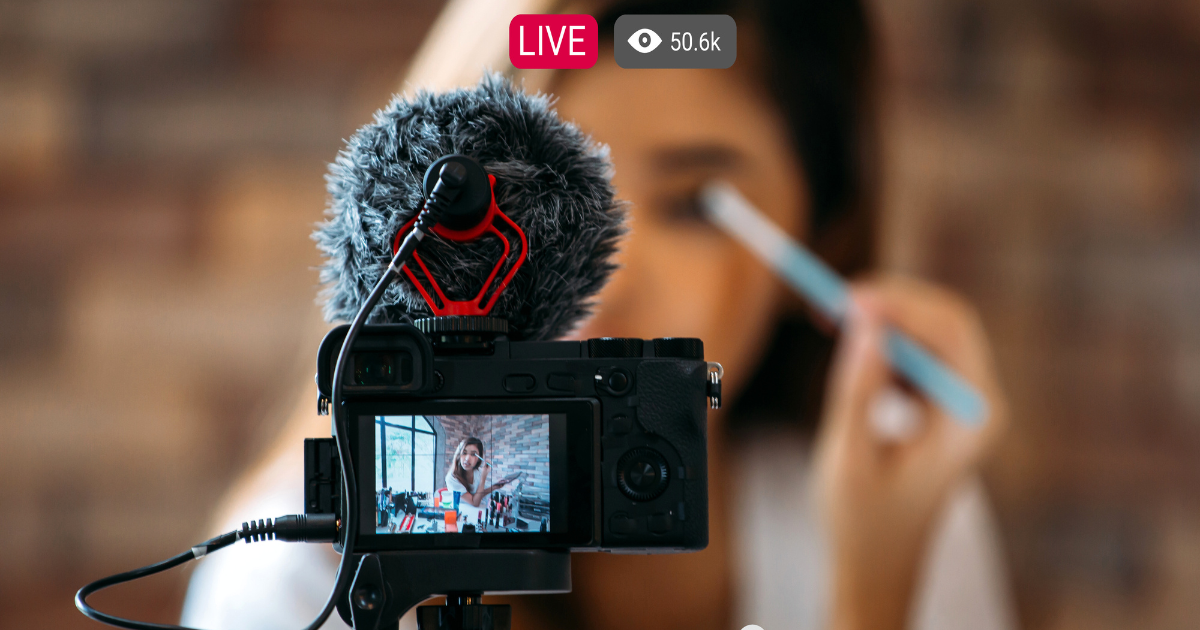
Step-by-Step Checklist for a Broadcast-Quality Live Stream
Here’s how to run a live stream that looks professional, step by step:
-
Plan Your Stream Like a Production
A broadcast-quality live stream starts before the cameras are rolling. Planning is everything:
- Define the goal of the stream: lead generation, training, announcements, or engagement
- Map out a run-of-show: opening, key content, Q&A, closing
- Identify speakers and talent, and ensure they’re comfortable on camera
- Decide on platforms: YouTube, LinkedIn, or embedded on your website
Tip: At this stage, thinking about storytelling, pacing, and audience engagement will make your live stream feel like a show rather than a meeting.
-
Choose the Right Equipment
While it’s tempting to stream with a laptop camera, professional streaming requires more control and reliability:
- Cameras: Use at least one quality camera (DSLR, mirrorless, or professional camcorder) for crisp video
- Audio: Use a dedicated microphone or lapel for clear, consistent sound
- Lighting: Softboxes or LED panels reduce shadows and give a polished look
- Switchers & Capture Devices: Multi-camera live streams require switchers for smooth transitions
For clients in Bolton and surrounding areas, our live stream packages include fully set-up cameras, professional lighting, and audio to ensure a broadcast-quality result.
-
Set Up the Space Carefully
The environment makes a huge difference:
- Clear clutter and distractions
- Consider the background: branded backdrops or clean, neutral walls
- Control natural light to avoid inconsistent shadows
- Ensure stable internet connectivity—ideally wired rather than Wi-Fi
A polished environment makes viewers focus on your message, not imperfections.
-
Test Your Settings in Advance
Before going live:
- Test video and audio quality
- Run a trial stream to check lighting, framing, and bandwidth
- Confirm titles, overlays, and branding elements
- Check remote participants or presenters
At Title Productions, we always do a full technical rehearsal to catch issues before your audience sees them.
-
Stream Management During the Event
A broadcast-quality stream isn’t just about equipment—it’s about real-time control:
- Switch between cameras for dynamic visuals
- Use graphics, lower-thirds, and overlays for context
- Monitor audio levels continuously
- Engage your audience through chat or Q&A
Professional oversight ensures the stream runs smoothly and feels live without distractions, increasing engagement and trust.
-
Post-Stream Follow-Up
The work doesn’t stop when the stream ends. To maximise impact:
- Edit highlights for social media or future marketing
- Analyse viewership and engagement data
- Share recordings with registrants or stakeholders
- Capture leads for follow-up
This step transforms a live stream from a one-off event into a valuable content asset for your organisation.
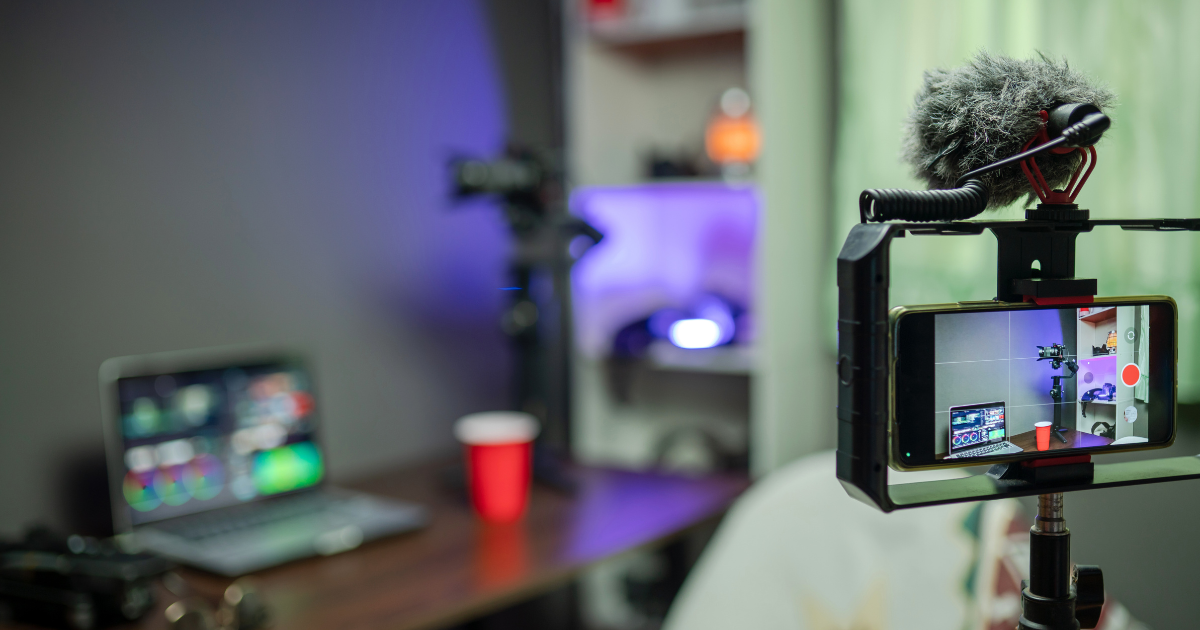
Equipment Settings Tips for Broadcast Quality
Even if you hire a professional, understanding basic settings helps:
- Resolution: 1080p minimum, 4K if your platform supports it
- Frame rate: 25–30fps for natural movement
- Audio: Use XLR microphones or lapel mics, not built-in camera audio
- Lighting: Soft, even front lighting; avoid harsh backlight
- Switching: Use live production software to alternate cameras and graphics seamlessly
These small technical choices create a big difference in perceived quality, building credibility for your audience.
Common Pitfalls and How to Avoid Them
Even small mistakes can reduce trust and engagement:
- Poor audio – muffled sound will lose viewers faster than shaky video
- Unstable internet – always have a backup connection if possible
- Cluttered background – avoid distracting elements that pull focus
- Ignoring audience engagement – respond to comments or questions to make the stream interactive
Our professional live streaming services in Bolton ensure these pitfalls are handled before they impact your audience.
Case Study Insight
A recent council event we streamed required multi-camera coverage, live graphics, and a hybrid audience setup. By managing everything from pre-production planning to post-event highlights, the council achieved record-breaking live attendance, high engagement, and positive feedback from both internal stakeholders and the public.
You can explore other examples on our Our Work page to see how broadcast-quality streams have been executed across sectors.
Why Professional Live Streams Are Worth It
Hiring a professional team may feel like an expense, but the ROI comes through trust, engagement, and lead generation. Benefits include:
- Reliable technical execution
- Broadcast-quality visuals and audio
- Real-time problem solving
- Post-event content ready for repurposing
A professional stream builds confidence with your audience, whether they’re stakeholders, customers, or staff.
Final Thoughts: Make Every Live Stream Count
Live streaming is more than just “going live”. It’s an opportunity to:
- Showcase your brand professionally
- Engage your audience meaningfully
- Generate leads and measurable outcomes
If you want your next event in Bolton or beyond to look and feel like a broadcast, working with experienced professionals ensures you get the impact your content deserves.
Book a professional live-stream package today
, or explore more insights on professional streaming on our Creative Content Blog.